Sell your packs and programs from one link.
Put your session packs, subscriptions and programs on one page with your branding. Someone picks one, pays through your own Stripe account, and arrives in My Clients with their plan, an app invite and your onboarding already started.
No credit card · A$69 a month after · Unlimited clients
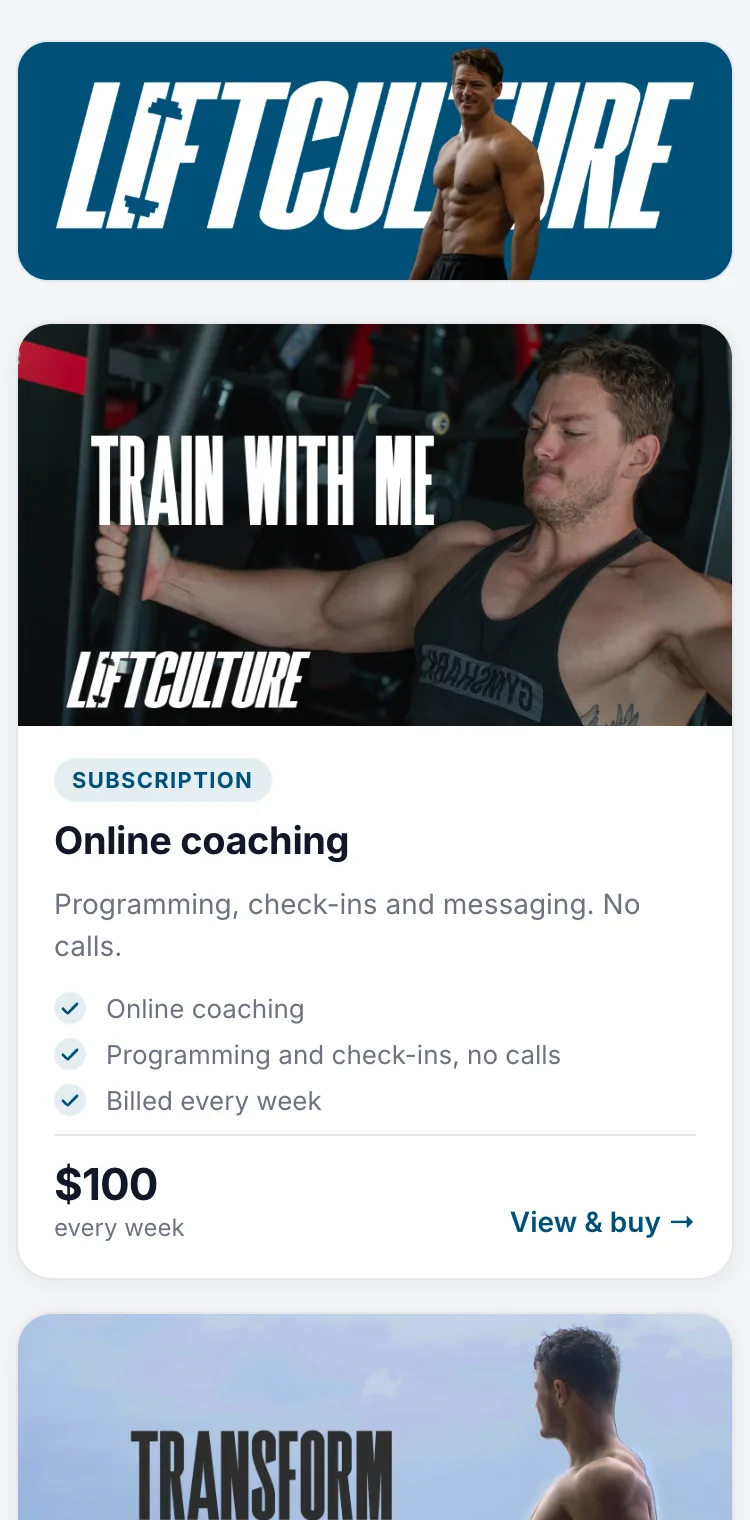
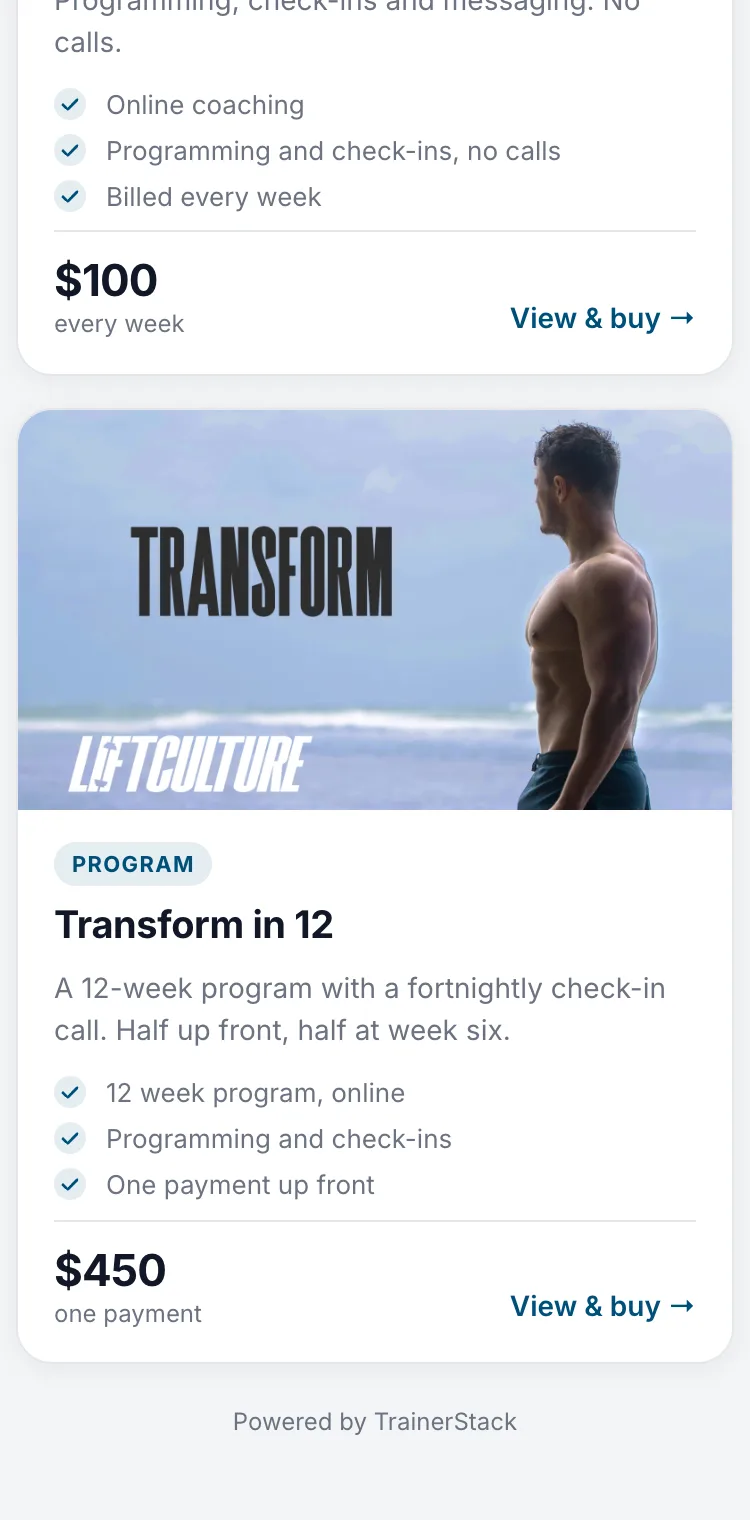
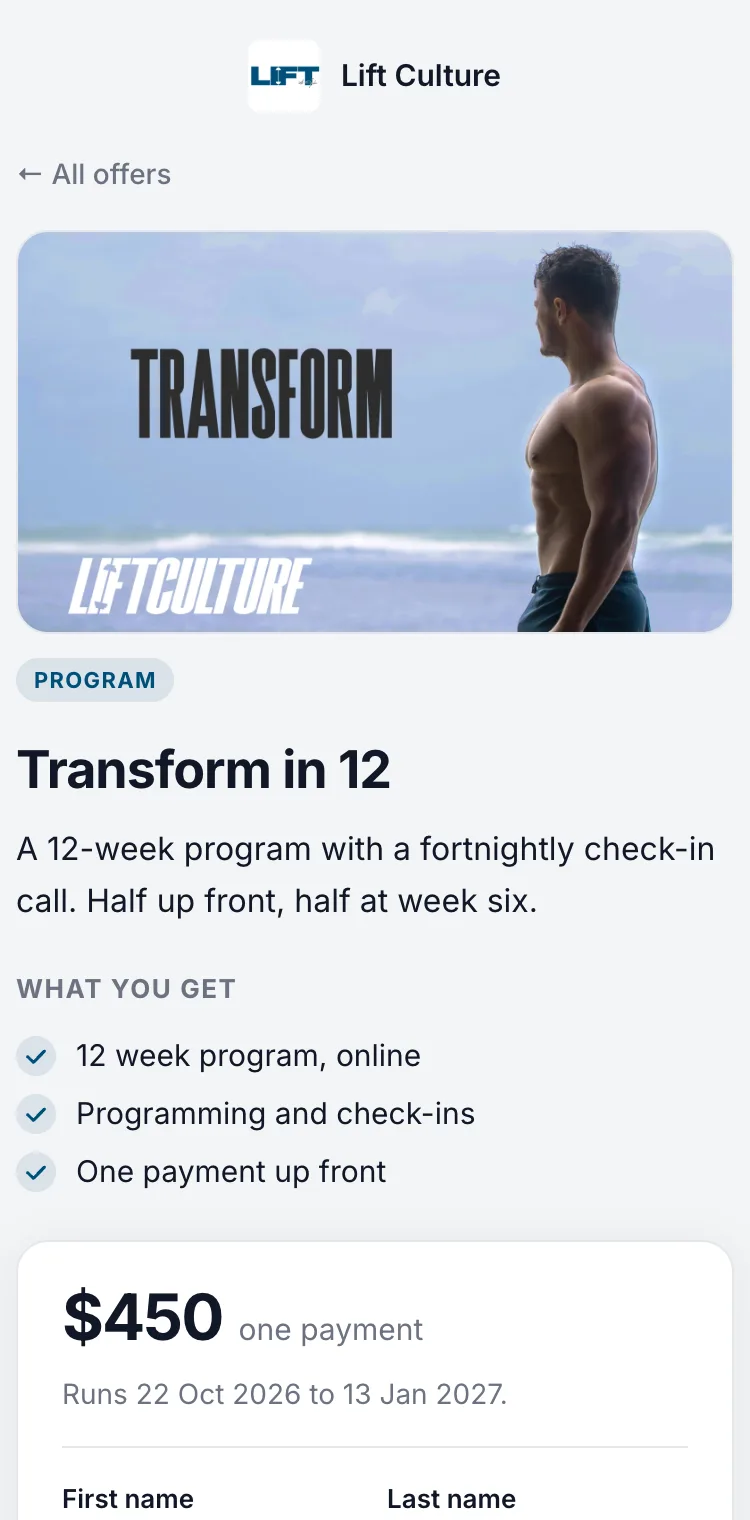
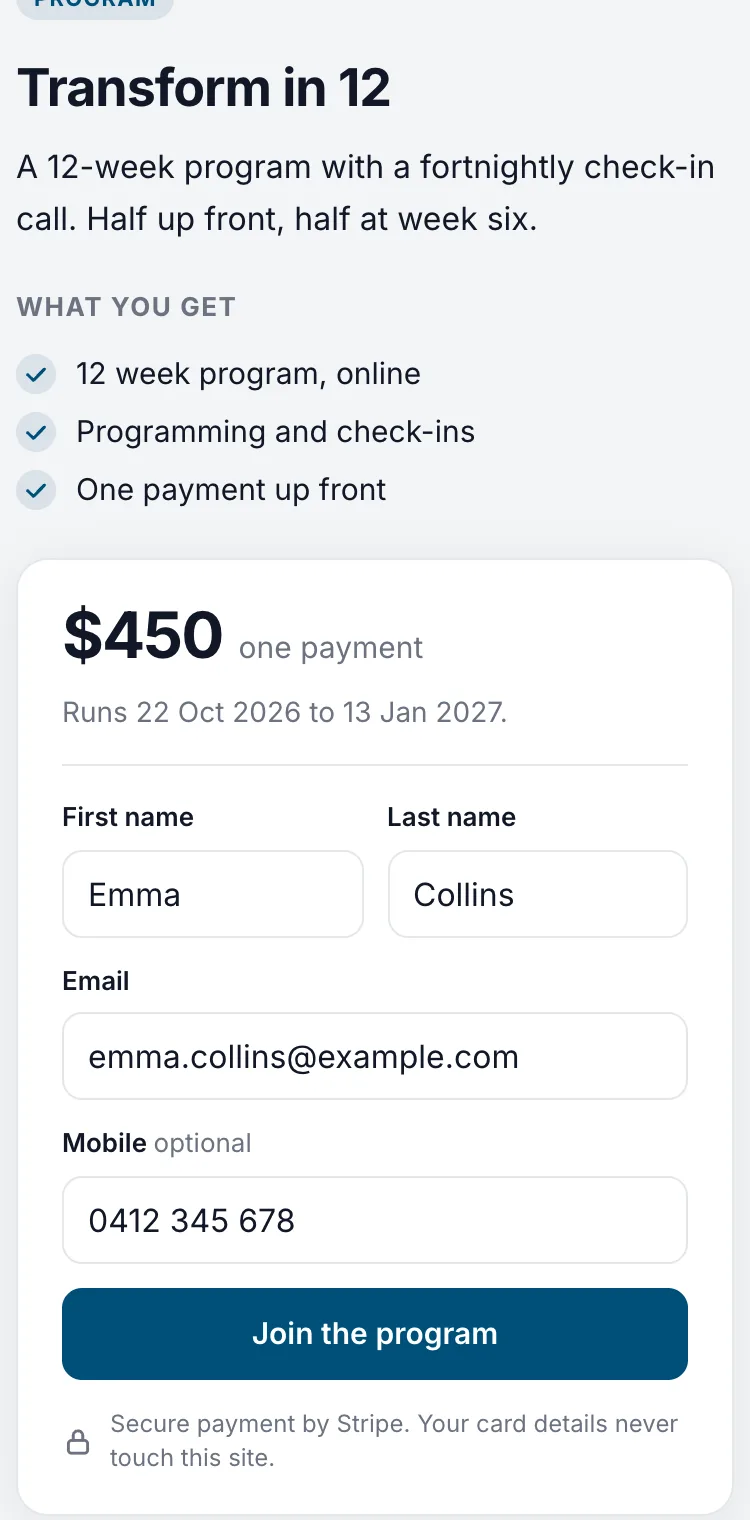
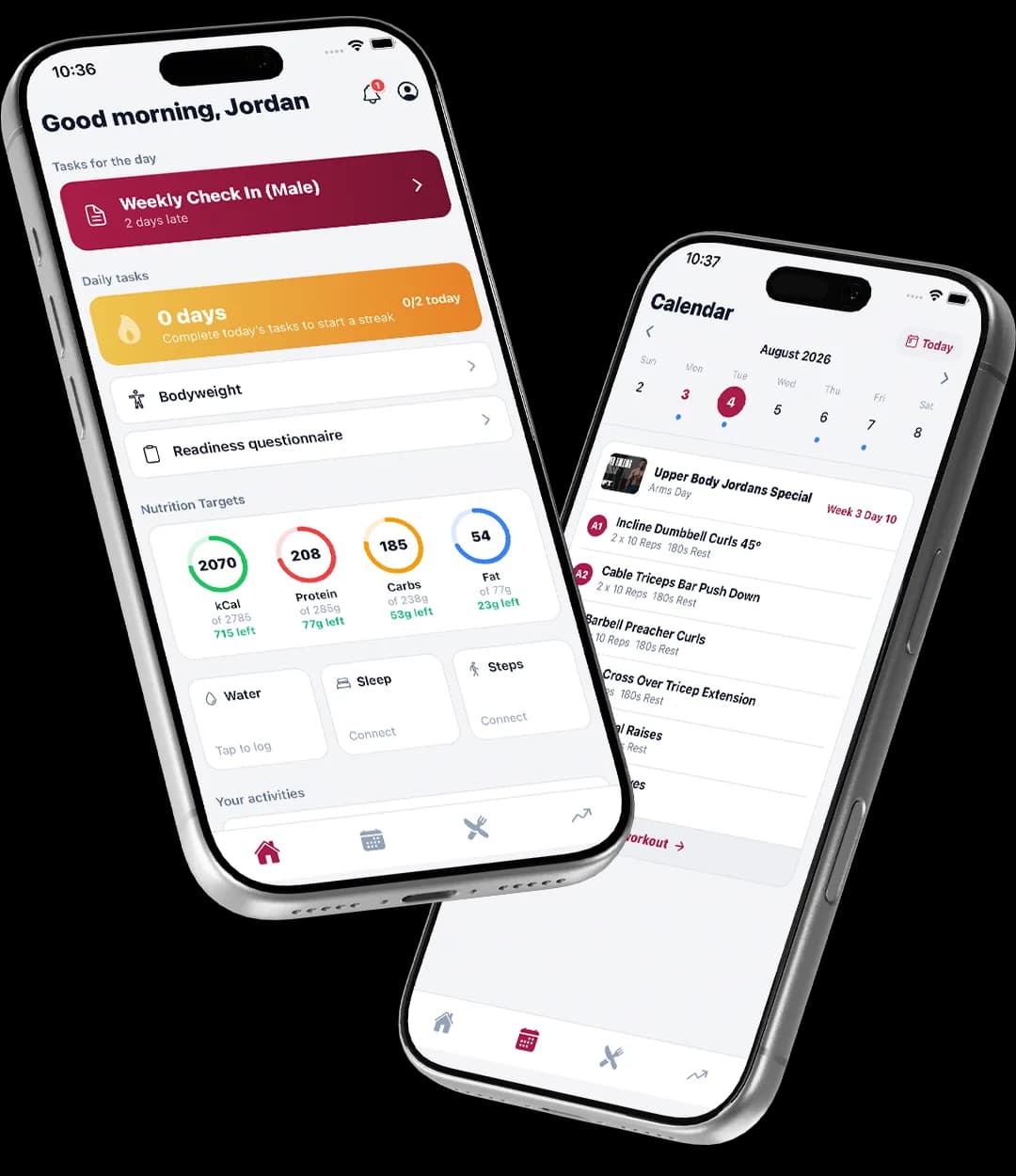
What your client sees
In their app, not in a message to you.
- Your branding, your offers and what each one includes.
- What it costs today, and when any later payment falls.
- A Stripe checkout, then an invite to your app.
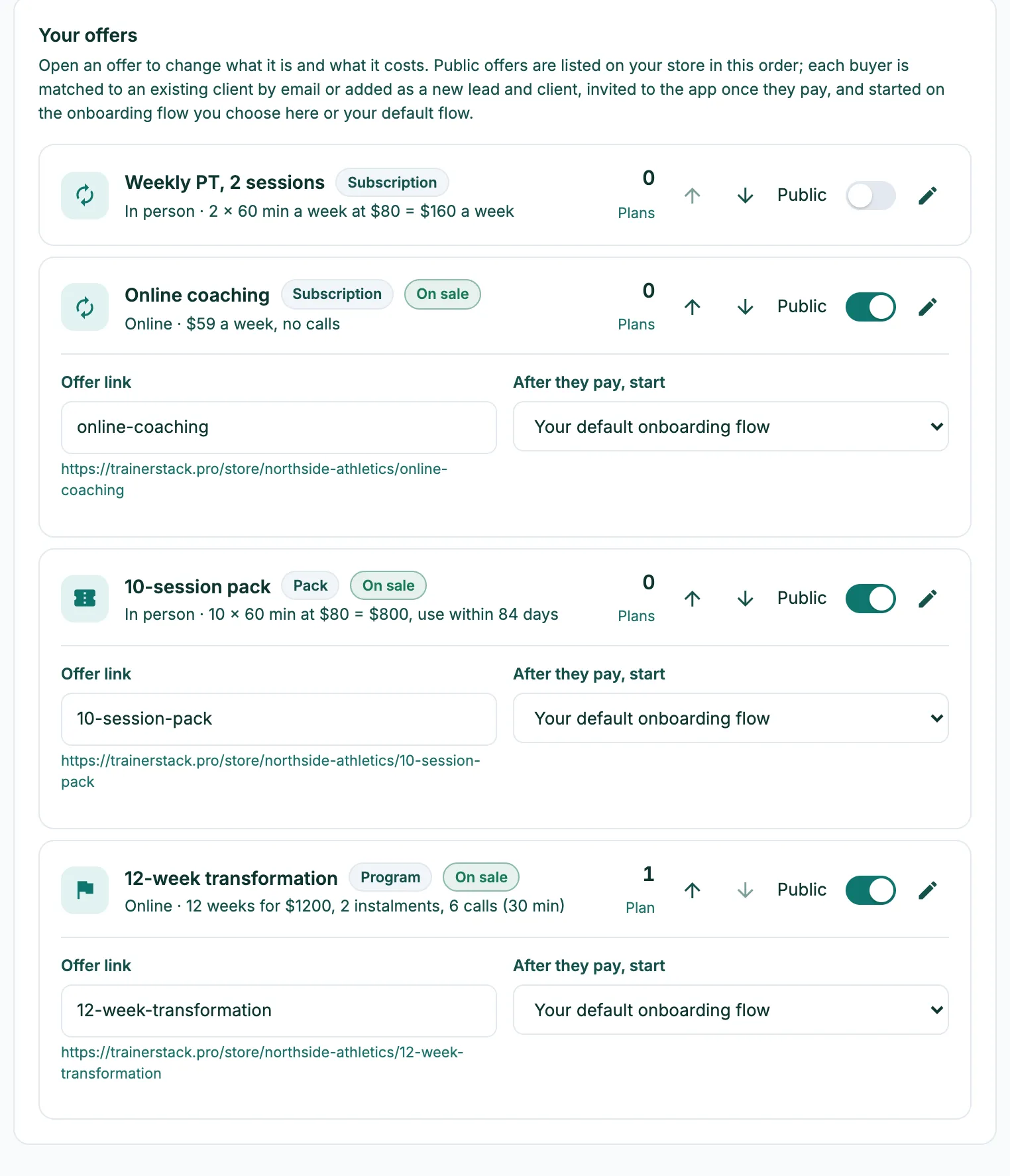
Write each offer once
An offer is something you sell: a weekly subscription, a 10-pack, a 12-week program paid in two parts. Write it down once with its price and what’s included, switch it to Public, and it’s on your store with its own link. The same offers fill in the billing form when you sign someone up in person.
They buy, it sets itself up
A purchase doesn’t need you. You get a notification, they’re added as a lead from your store, and once the first payment lands their plan goes active, they move into My Clients, an invite to your app is emailed to them, and your onboarding steps begin. If they never finish paying, it tidies itself away after two days and the lead stays for you to follow up.
Share it anywhere
Put the store link in your bio, on your link page as a card, or in a message. On a lead’s record or a client’s billing tab, Send offer emails one of your offers to that person with a line of your own, and their purchase lands on their record.
A program on purchase
Sell a self-run program from the store and the program you choose is copied onto the buyer the moment their first payment lands. Buyers of a self-run program can sit under Members instead of your coached clients, so they stay out of your check-in rosters and session counts.
Made in Australia
Your own Stripe account, Australian rate
Store purchases are paid into your own Stripe account at Stripe’s standard Australian card rate plus 1% + GST to TrainerStack. Prices are in Australian dollars and you keep your own payouts.
Compare
Most coaching apps sell this as an add-on.
| Feature | TrainerStack | Trainerize | Everfit | Kahunas | HubFit |
|---|---|---|---|---|---|
| Client payments | Stripe’s rate + 1% + GST | Add-on, US$10/mo | Add-on; 2.25% + A$0.30 card fee | 0% commission | From the US$69 plan |
Client payments
- TrainerStackStripe’s rate + 1% + GST
- TrainerizeAdd-on, US$10/mo
- EverfitAdd-on; 2.25% + A$0.30 card fee
- Kahunas0% commission
- HubFitFrom the US$69 plan
From each vendor’s own pricing pages on 8 October 2026. “Not on their published plans” means we couldn’t find it there, not that it can’t be done. Full comparisons and sources
Pricing
Included on the one plan.
A$69 a month at the founding price, unlimited clients, every feature. 30 days free, no credit card.
Do I need Stripe?
Yes. Buyers pay at checkout, so the store needs your Stripe account connected. Offers you collect as cash can still be used when you sign someone up yourself, but they don’t appear on the store.
What can I sell?
Subscriptions, session packs and fixed-length programs, including programs paid in instalments. Casual sessions and cash-collected offers stay off the store.
What if an existing client buys?
They’re matched by email, and the new plan goes on their existing record rather than creating a duplicate.
What does the buyer get after paying?
Their plan starts, they get an email inviting them to your app, and the onboarding flow you chose for that offer begins, such as your intake questions and welcome steps.
Is the store an add-on?
No. The store, offers, payments and the client app are all on the one plan.
How to set it up
- Sell offers from your storeTurn on a public store page, put offers on sale, and let people buy and pay without you adding them first.Read the guide
- Write down your offersSave each thing you sell once, then fill in a client's billing with one pick when you convert a lead, add a client or add a plan.Read the guide
- Connect Stripe to take paymentsLink a Stripe account so clients can pay for sessions, packs and subscriptions online, and what each status means.Read the guide
- Set up client onboardingBuild a flow that asks new clients the intake questions, collects starting photos, sets their daily tasks and check-in, opens Vault folders and messages them over their first days.Read the guide